 Sendkit Team
SMTP vs email API: which should you use?
Compare SMTP and email APIs for sending transactional email. Learn when each approach makes sense, with code examples for both.
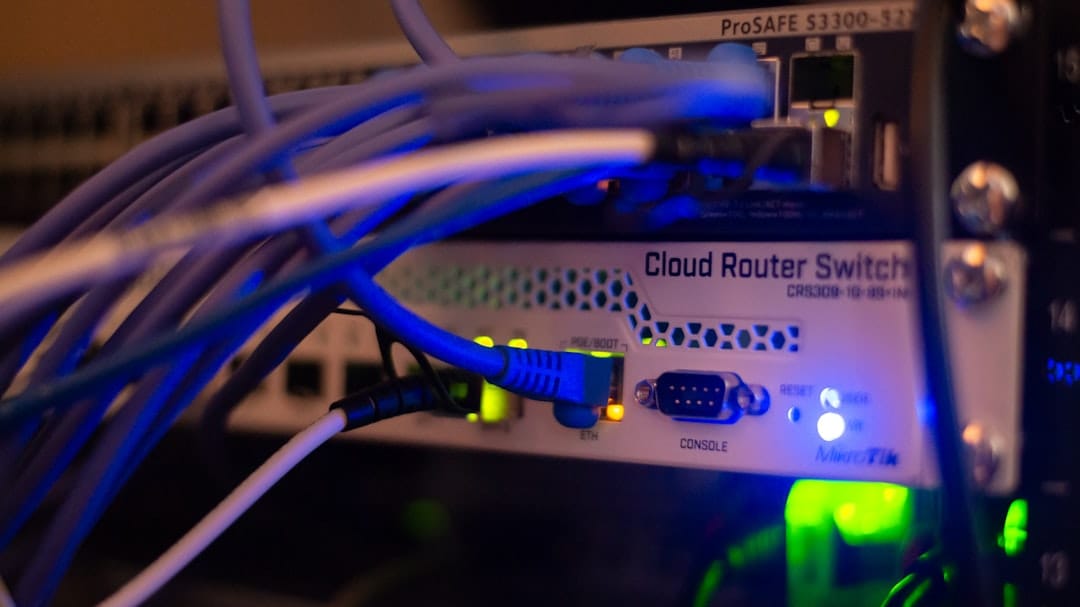
You need to send email from your application. Maybe it's password resets, maybe it's order confirmations, maybe it's a mix of everything. At some point you'll face the question: do I use SMTP or an email API?
The short answer: if you're starting fresh, use an API. If you're plugging into something that already speaks SMTP, use SMTP. But the details matter, and there are tradeoffs worth understanding before you commit.
How SMTP works
SMTP (Simple Mail Transfer Protocol) has been around since 1982. It's a text-based protocol where your application opens a TCP connection to a mail server, exchanges a series of commands (EHLO, MAIL FROM, RCPT TO, DATA), and transfers the message. The server responds with status codes at each step.
In practice, most developers don't write raw SMTP commands. You use a library like Nodemailer (Node.js), PHPMailer (PHP), or smtplib (Python) that handles the connection and protocol for you. You configure a host, port, and credentials, then call a send method.
Here's what sending through Sendkit's SMTP relay looks like with Nodemailer:
import nodemailer from 'nodemailer';

const transport = nodemailer.createTransport({
  host: 'smtp.sendkit.dev',
  port: 587,
  auth: {
    user: 'sendkit',
    pass: 'sk_live_your_api_key',
  },
});

const sendViaSMTP = async () => {
  const info = await transport.sendMail({
    from: '[email protected]',
    to: '[email protected]',
    subject: 'Your order has shipped',
    text: 'Track your package at https://example.com/track/12345',
    html: '<p>Track your package at <a href="https://example.com/track/12345">this link</a>.</p>',
  });

  console.log(info.messageId);
};

sendViaSMTP();
This works. It will keep working. There's nothing wrong with it if your system is already wired up this way.
How an email API works
An email API is an HTTP endpoint. You send a POST request with JSON (or form data), and you get a JSON response back. No protocol handshake, no multi-step command exchange. One request, one response.
Here's the same email sent through Sendkit's API:
import { Sendkit } from '@sendkitdev/sdk';

const sendkit = new Sendkit('sk_live_your_api_key');

const sendViaAPI = async () => {
  const { data, error } = await sendkit.emails.send({
    from: '[email protected]',
    to: '[email protected]',
    subject: 'Your order has shipped',
    text: 'Track your package at https://example.com/track/12345',
    html: '<p>Track your package at <a href="https://example.com/track/12345">this link</a>.</p>',
  });

  if (error) {
    console.error(error.name); // e.g. 'validation_error'
    console.error(error.message); // e.g. 'The to field is required.'
    console.error(error.statusCode); // e.g. 422
    return;
  }

  console.log(data.id); // msg_7a3b...
};

sendViaAPI();
Both approaches get the email sent. The differences show up when you zoom in.

Speed
SMTP requires a TCP connection, a TLS handshake, and multiple back-and-forth commands before your message is even transmitted. Each step waits for a server response. With a fast network this takes maybe 200-500ms, but it adds up when you're sending batches.
An API call is a single HTTPS request. The TLS handshake happens once (and is reused with keep-alive connections). Total round-trip is typically 50-150ms.
If you're sending one email on a form submission, you won't notice the difference. If you're sending 500 emails in a loop, you will. And with the API, you can use batch endpoints to send multiple messages in a single request, which isn't possible with SMTP.
Features
SMTP is a transport protocol. It moves bytes from point A to point B. That's what it was designed to do, and it does it fine.
An API can do more because it's not constrained by a 40-year-old protocol spec:
- Tagging and metadata. Attach custom tags to messages so you can filter analytics later. With SMTP, you'd have to stuff metadata into custom headers (like
X-Tag) and hope your provider parses them. - Batch sending. Send to multiple recipients with per-recipient personalization in one API call.
- Template rendering. Pass template IDs and variables instead of building HTML yourself. The API renders the template server-side.
- Scheduled sending. Queue a message for delivery at a specific time.
- Inline response data. The API response immediately gives you a message ID, validation results, and status. With SMTP, you get a status code and have to wait for webhook events for everything else.
Sendkit supports open tracking, click tracking, and bounce handling through both SMTP and API. But the API gives you more control over how that data flows.
Complexity
SMTP has a lower barrier to entry if your framework already has a mailer built in. Rails has ActionMailer. Django has django.core.mail. Laravel has Mail. Swap the SMTP credentials, and you're done.
API integration takes a bit more work upfront. You install an SDK or write HTTP calls, set up authentication, and handle responses. But the code you end up with is cleaner, because you're calling a function with an object instead of configuring a transport layer.
For new projects, I'd pick the API every time. The initial setup is maybe 10 minutes longer, and everything after that is easier.
Debugging
Debugging SMTP issues is painful. Connection timeouts, TLS negotiation failures, authentication errors that show up as cryptic status codes ("535 5.7.8 Authentication failed"). If the connection drops mid-transfer, you might not know whether the message was accepted or not.
SMTP errors tend to be vague. "550 Requested action not taken: mailbox unavailable" could mean the address doesn't exist, the mailbox is full, or the server just doesn't like you.
API errors are structured. You get HTTP status codes with JSON error bodies that tell you exactly what went wrong:
{
  "name": "validation_error",
  "message": "The 'to' field contains an invalid email address"
}
You can log these, alert on them, and build retry logic around specific error types. Try doing that with SMTP response codes.

Tracking and analytics
Both SMTP and API support open tracking, click tracking, delivery receipts, and bounce notifications when you're using a provider like Sendkit. The tracking happens at the provider level regardless of how you submitted the message.
The difference is in what you get back at send time. With the API, the response includes a message ID and initial validation status. You can immediately store this and correlate it with webhook events later. With SMTP, you get a message ID from the server's 250 response, but that's about it.
If you need detailed per-message analytics, the API makes it easier to connect the dots. Check the Sendkit docs for the full list of webhook events you can listen for.
Security
Both approaches use TLS encryption in transit. Sendkit's SMTP supports port 465 (implicit TLS) and port 587 (STARTTLS). The API uses HTTPS exclusively.
Authentication differs. SMTP uses your API key as the password (with "sendkit" as the username). The API uses the same key as a Bearer token or via the SDK's constructor. Same key, different transport.
One advantage of the API: you can restrict API keys to specific endpoints and permissions. An SMTP credential is all-or-nothing. If it can authenticate, it can send. API keys can be scoped so that a key used by your billing service can only send email, while a key used by your analytics dashboard can only read data.
When to use which
Use the email API when:
- You're building a new application or service from scratch
- You need batch sending, templates, or scheduled delivery
- You want structured error responses and easier debugging
- You're building something that needs to scale (APIs handle concurrency better)
- You want fine-grained API key permissions
Use SMTP when:
- Your framework or CMS already has SMTP built in (WordPress, legacy Rails apps, etc.)
- You're replacing an existing SMTP provider and don't want to rewrite sending code
- You're working with a system you can't modify (some enterprise tools only support SMTP)
- You need a quick swap with zero code changes beyond updating credentials
There's no wrong choice here. Sendkit gives you both, and you can mix them in the same account. Use the API for your main application and SMTP for a WordPress contact form on your marketing site. Both use the same API key, the same domain verification, and the same tracking infrastructure.
Migrating from SMTP to API
If you're on SMTP and want to move to the API, there's not much to it. Your domain setup, DNS records, and webhook configuration stay the same. Just install the SDK and start sending:
npm install @sendkitdev/sdkThen replace your Nodemailer calls:
// Before (SMTP)
const transport = nodemailer.createTransport({
  host: 'smtp.sendkit.dev',
  port: 587,
  auth: { user: 'sendkit', pass: 'sk_live_your_api_key' },
});

const sendEmail = async (to, subject, html) => {
  await transport.sendMail({ from: '[email protected]', to, subject, html });
};

// After (API)
import { Sendkit } from '@sendkitdev/sdk';
const sendkit = new Sendkit('sk_live_your_api_key');

const sendEmail = async (to, subject, html) => {
  const { data, error } = await sendkit.emails.send({
    from: '[email protected]',
    to,
    subject,
    html,
  });
  if (error) {
    console.error(error.name, error.message);
    return;
  }
  console.log(data.id);
};
The function signature stays the same. The main thing you gain is structured error responses instead of SMTP status codes. You can migrate one email type at a time if you want to be careful about it.
For a more complete walkthrough of sending with the SDK, see how to send transactional email with Node.js.
The bottom line
SMTP is a solid, proven protocol. It works everywhere. If your system already uses it, there's no urgent reason to rip it out.
But if you're writing new sending code today, go with the API. You get faster responses, structured errors, and features that SMTP simply can't offer because of how the protocol works. SMTP was built for servers talking to servers in 1982. Your app deserves something that was built for apps.
Sendkit supports both, so you're not locked in. Use whatever fits your setup right now, and switch later if you need to.
Share this article